
Automated DMX Lighting
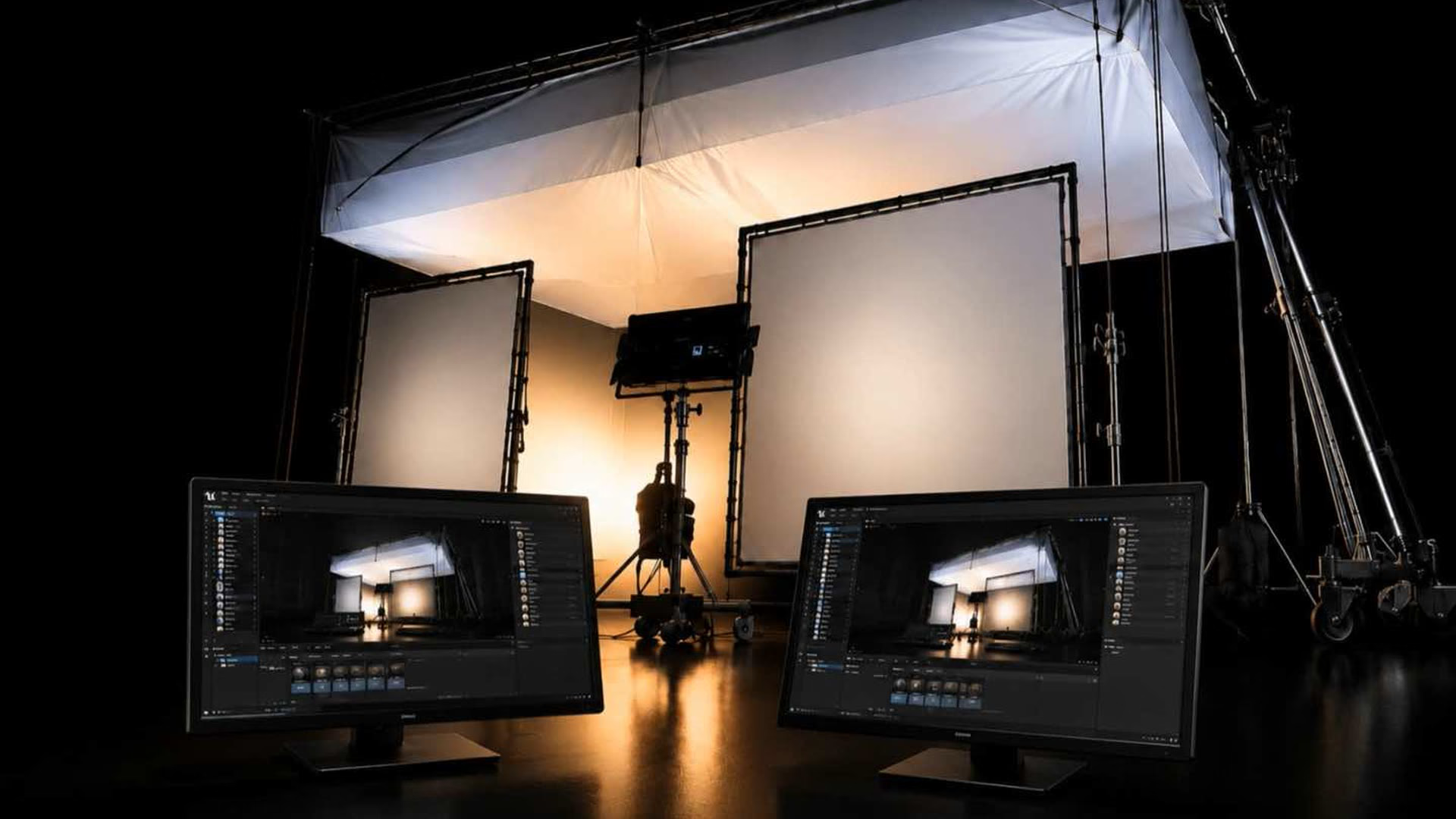
The light in the engine and the light on set behave as one.
We drive professional lighting fixtures directly from Unreal Engine, so the light on the floor matches the environment on the wall in real time. When the virtual scene changes, the physical lights change with it.
One system
A fixture is represented in Unreal, and the same control drives both, which keeps colour, intensity, and movement matched between the virtual world and the stage.
Driven from Unreal over DMX
- We control fixtures such as ARRI and Aputure straight from Unreal.
- We work in both industry protocols, Art-Net and sACN, over standard network cabling.
- That gives huge capacity, thousands of universes and well beyond the channel count any single stage needs.
- Cues can be built and recorded in Unreal Sequencer, then played back on set, or handed to a hardware console.
Our proprietary control tool
We have built our own tool on top of these two protocols. It is made for the shooting floor, not the programming suite.
- Quick to set up and automate on set, without a long lighting build.
- Handles simple grids and complex, multi-fixture, pixel-mapped setups.
- Repeatable looks and cues across every take.
- Frame sync: it can lock the motion base, the Bolt X, and the lighting to the same frame, so movement and light fire together, exactly, take after take.
That frame sync is the key part. Camera move, platform motion, and lighting cue all run off one clock, which is what makes a complex shot repeat perfectly for VFX.
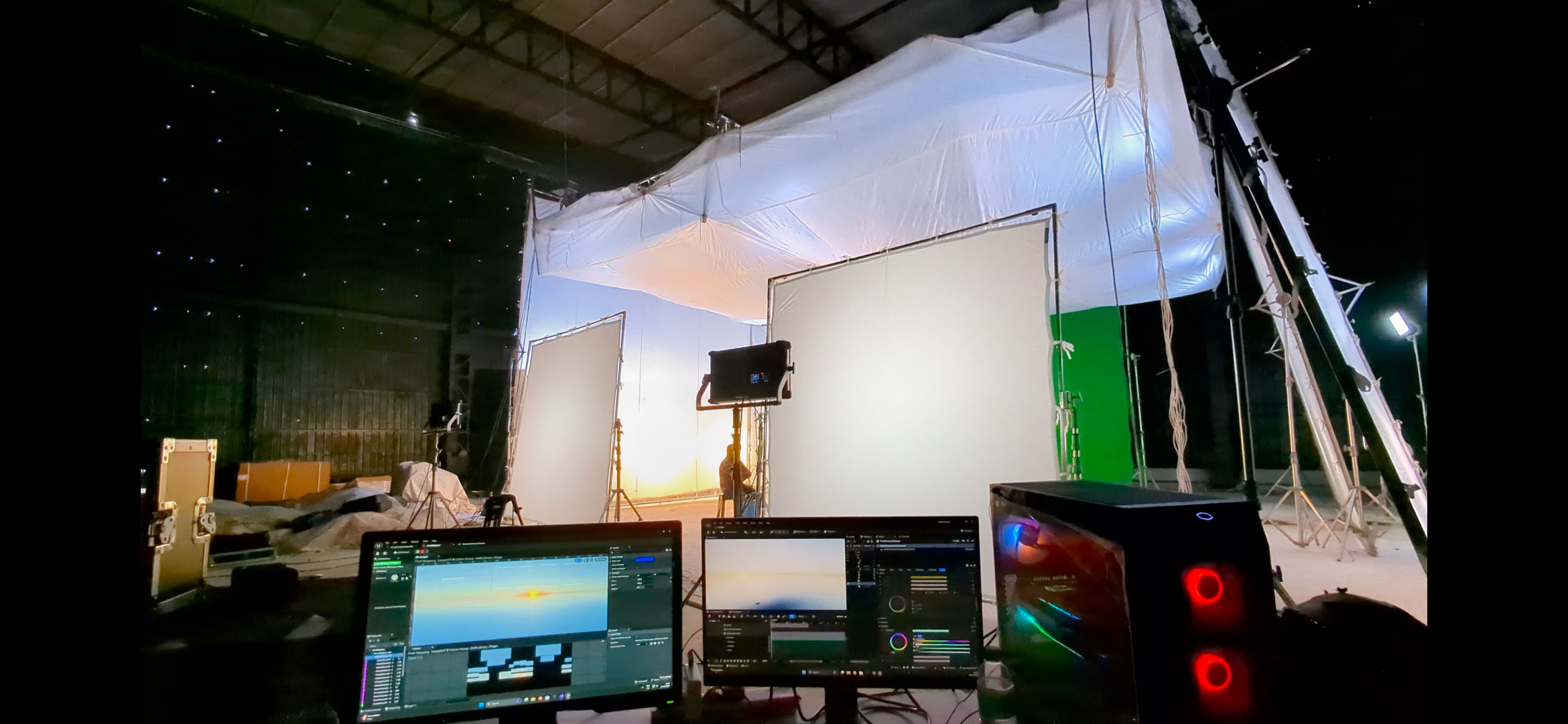
Movement and light, on the same frame
One clock across the platform, the camera robot and the grid.
What it does
- DMX grid control with pixel mapping.
- Intensity, colour, and effect synced to the virtual set and motion.
- Pre-programmed cues with live adjustment.
- Custom effects and scene presets for fast looks.
Next step
Talk to us about your setup.